oracledna
This post demonstrates installing Oracle Client 19c on Oracle Linux 9.
Oracle Client 19c is the connectivity layer that allows applications to interact with Oracle Database 19c (and earlier versions), providing drivers, libraries, and utilities for SQL execution, data loading, and secure communication. It comes in multiple installation types, including the lightweight Instant Client, and supports cross-platform environments.
To install the Oracle Client 19c on Oracle Linux 9, we must use a Release Update (RU) 19.19 or higher (such as 19.27) because the base 19.3 version does not natively support Oracle Linux 9.
Environment:
============
Oracle Linux: 9.4
Client: 19.27
Note: LINUX.X64_193000_client_home.zip is an image of and Administrator type installation.
1. Install oracle-database-preinstall-19c package.
As a root user,install Oracle preinstallation RPM for Linux release to configure operating system.
The oracle-database-preinstall-19c package is an RPM provided by Oracle for Linux systems that automatically configures the operating system to meet Oracle Database 19c installation requirements. It sets up users, groups, kernel parameters, and system limits so we don’t have to manually adjust them before installing the client/database.
[root@prod ~]# dnf install -y oracle-database-preinstall-19c
Last metadata expiration check: 1 day, 11:17:50 ago on Thursday 06 August 2026 03:27:43 PM.
Dependencies resolved.
=====================================================================================================================================================
Package Architecture Version Repository Size
=====================================================================================================================================================
Installing:
oracle-database-preinstall-19c x86_64 1.0-3.el9 ol9_appstream 35 k
Installing dependencies:
libnsl x86_64 2.34-100.0.1.el9 ol9_baseos_latest 69 k
Transaction Summary
=====================================================================================================================================================
Install 2 Packages
Total download size: 104 k
Installed size: 181 k
Downloading Packages:
(1/2): oracle-database-preinstall-19c-1.0-3.el9.x86_64.rpm 35 kB/s | 35 kB 00:01
(2/2): libnsl-2.34-100.0.1.el9.x86_64.rpm 21 kB/s | 69 kB 00:03
—————————————————————————————————————————————————–
Total 32 kB/s | 104 kB 00:03
Running transaction check
Transaction check succeeded.
Running transaction test
Transaction test succeeded.
Running transaction
Preparing : 1/1
Installing : libnsl-2.34-100.0.1.el9.x86_64 1/2
Running scriptlet: oracle-database-preinstall-19c-1.0-3.el9.x86_64 2/2
Installing : oracle-database-preinstall-19c-1.0-3.el9.x86_64 2/2
Running scriptlet: oracle-database-preinstall-19c-1.0-3.el9.x86_64 2/2
Verifying : libnsl-2.34-100.0.1.el9.x86_64 1/2
Verifying : oracle-database-preinstall-19c-1.0-3.el9.x86_64 2/2
Installed:
libnsl-2.34-100.0.1.el9.x86_64 oracle-database-preinstall-19c-1.0-3.el9.x86_64
Complete!
2. Create directory for client home.
As a root user, create below directories and provide permissions.
mkdir -p /u01/app/oracle/product/19c/client
chown -R oracle:oinstall /u01
chmod -R 775 /u01
3. Copy the client and RU patch binaries and unzip.
Copy the Client, RU patch binaries and unzip at respective locations.
Unzip the 19c Client bimaries zip file
[oracle@prod ~]$ cd /u01/app/oracle/product/19c/client
[oracle@prod client]$ unzip LINUX.X64_193000_client_home.zip
—
Unzip the 19.27 RU patch zip file.
[oracle@prod ~]$ cd /miss/oracle/19.27/
[oracle@prod 19.27]$ unzip p37642901_190000_Linux-x86-64.zip
[oracle@prod 19.27]$ ls -lrt
total 2233028
drwxr-xr-x. 4 oracle oinstall 4096 Apr 15 2025 37642901
-rw-rw-r–. 1 oracle oinstall 2282356 Apr 22 2025 PatchSearch.xml
-rw-r–r–. 1 oracle oinstall 2284324411 May 2 2025 p37642901_190000_Linux-x86-64.zip
4. Upgrade the OPatch to latest version.
[oracle@prod ~]$ cd /u01/app/oracle/product/19c/client
[oracle@prod client]$ mv OPatch OPatch_old
[oracle@prod client]$ unzip p6880880_190000_Linux-x86-64.zip
[oracle@prod client]$ cd OPatch
[oracle@prod OPatch]$ ./opatch version
OPatch Version: 12.2.0.1.52
OPatch succeeded.
5. Run the runInstaller with applyRU to patch and then install the client.
[oracle@prod ~]$ export CV_ASSUME_DISTID=OEL7
[oracle@prod ~]$ cd /u01/app/oracle/product/19c/client
[oracle@prod client]$ ./runInstaller -applyRU /miss/oracle/19.27/37642901
Preparing the home to patch…
Applying the patch /miss/oracle/19.27/37642901…
Successfully applied the patch.
The log can be found at: /u01/app/oraInventory/logs/InstallActions2026-08-08_04-30-46AM/installerPatchActions_2026-08-08_04-30-46AM.log
Launching Oracle Database Client Setup Wizard..
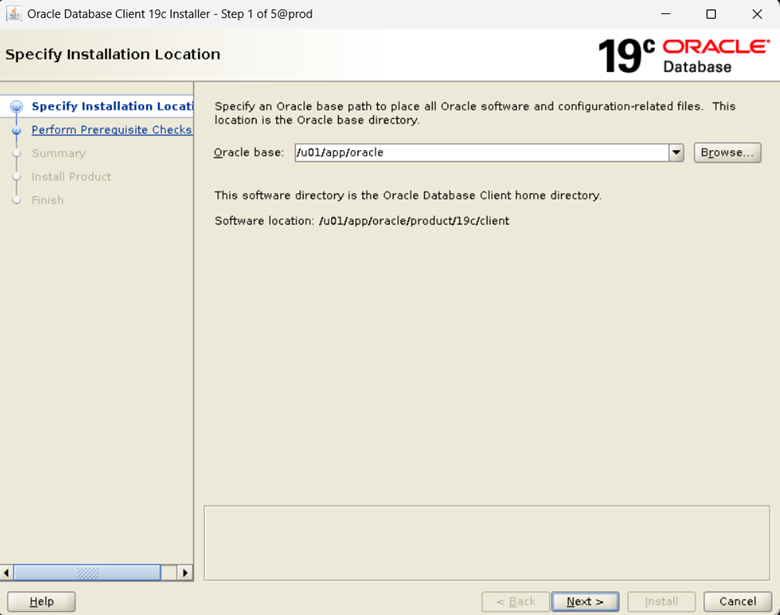
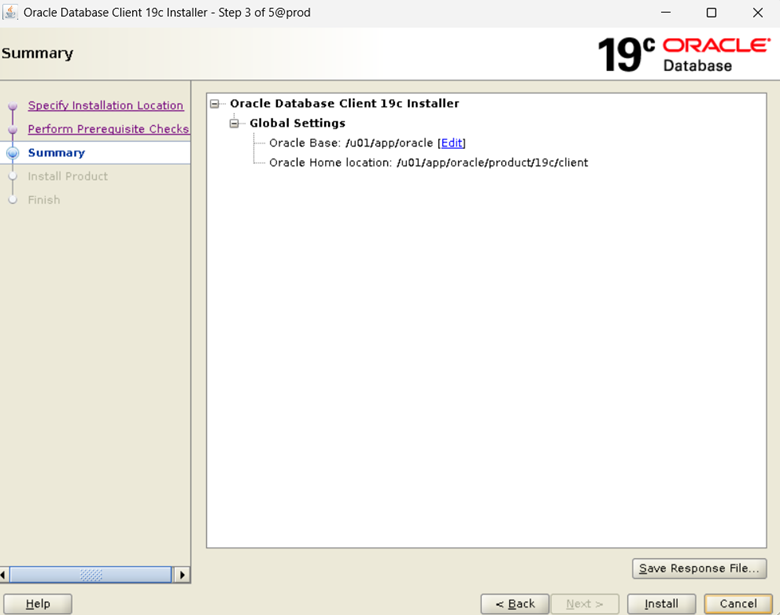
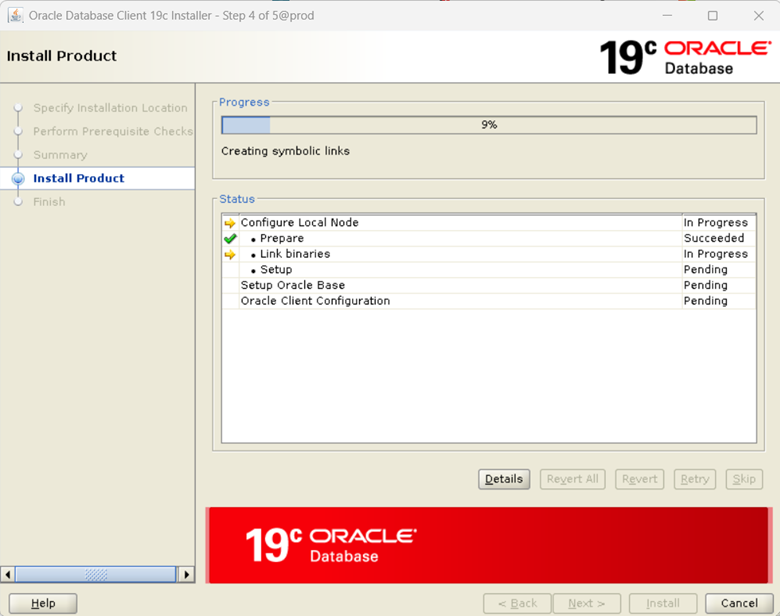
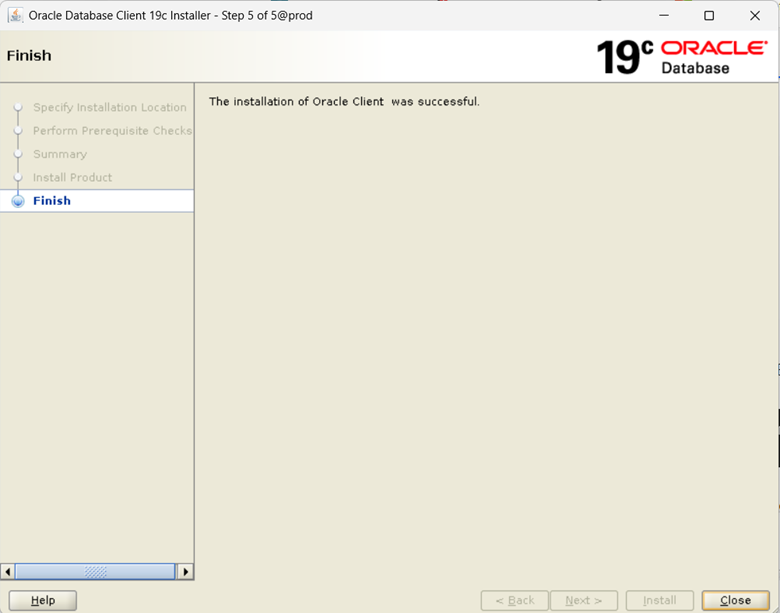
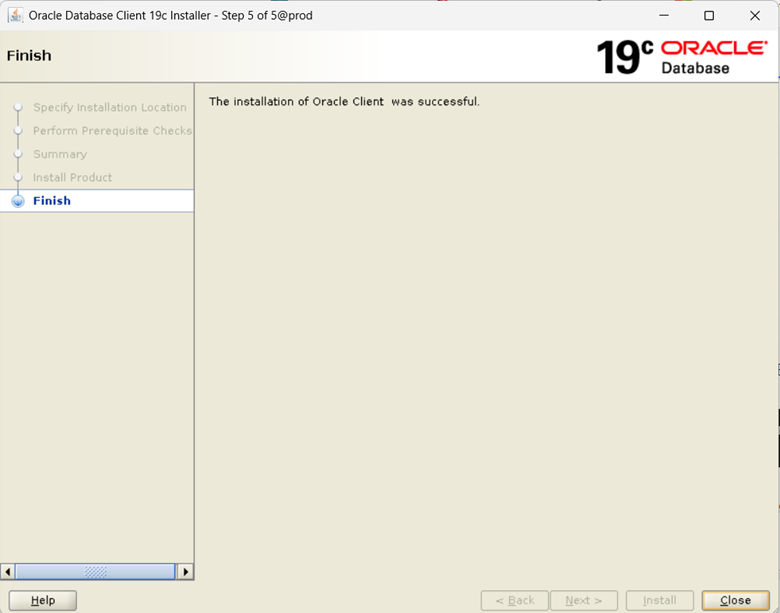
The response file for this session can be found at:
/u01/app/oracle/product/19c/client/install/response/client_2026-08-08_04-30-46AM.rsp
You can find the log of this install session at:
/u01/app/oraInventory/logs/InstallActions2026-08-08_04-30-46AM/installActions2026-08-08_04-30-46AM.log
—
Check the version of client
[oracle@prod ~]$ export ORACLE_HOME=/u01/app/oracle/product/19c/client
[oracle@prod ~]$ export PATH=$ORACLE_HOME/bin:$PATH
[oracle@prod ~]$ sqlplus /nolog
SQL*Plus: Release 19.0.0.0.0 – Production on Sat Aug 8 04:40:10 2026
Version 19.27.0.0.0
Copyright (c) 1982, 2024, Oracle. All rights reserved.
[oracle@prod ~]$
The response file for this session can be found at:
/u01/app/oracle/product/19c/client/install/response/client_2026-08-08_04-30-46AM.rsp
You can find the log of this install session at:
/u01/app/oraInventory/logs/InstallActions2026-08-08_04-30-46AM/installActions2026-08-08_04-30-46AM.log
—
Check the version of client
[oracle@prod ~]$ export ORACLE_HOME=/u01/app/oracle/product/19c/client
[oracle@prod ~]$ export PATH=$ORACLE_HOME/bin:$PATH
[oracle@prod ~]$ sqlplus /nolog
SQL*Plus: Release 19.0.0.0.0 – Production on Sat Aug 8 04:40:10 2026
Version 19.27.0.0.0
Copyright (c) 1982, 2024, Oracle. All rights reserved.
[oracle@prod ~]$ sqlplus -V
SQL*Plus: Release 19.0.0.0.0 – Production
Version 19.27.0.0.0
Disclaimer:
Please note the above information is only for educational purpose and practised in personal test database only. Always test in test database before implementing in production database. The pre-requisites and ways of implementing may vary from one environment to another. Hence, not providing guarantee that it will work in your environment.