oracledna
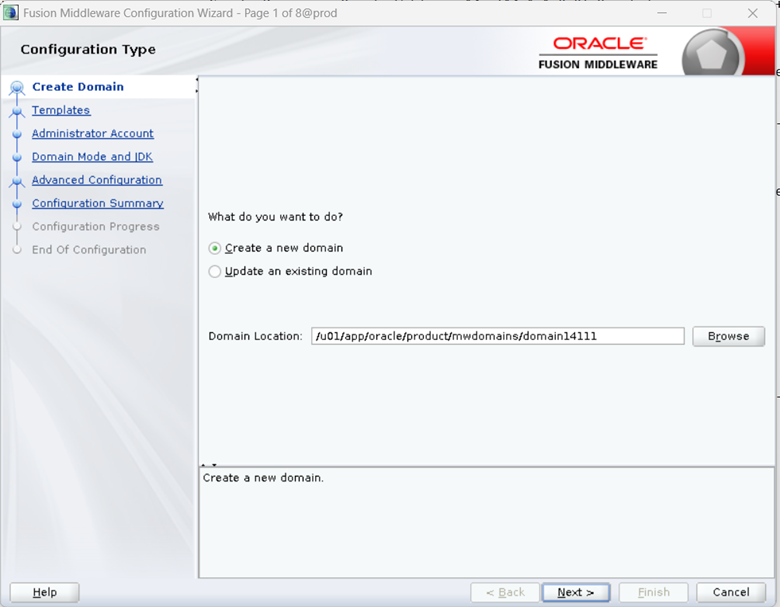
Select “Create a new domain”, select the “Domain Location” and given domain name domain14111, click on Next
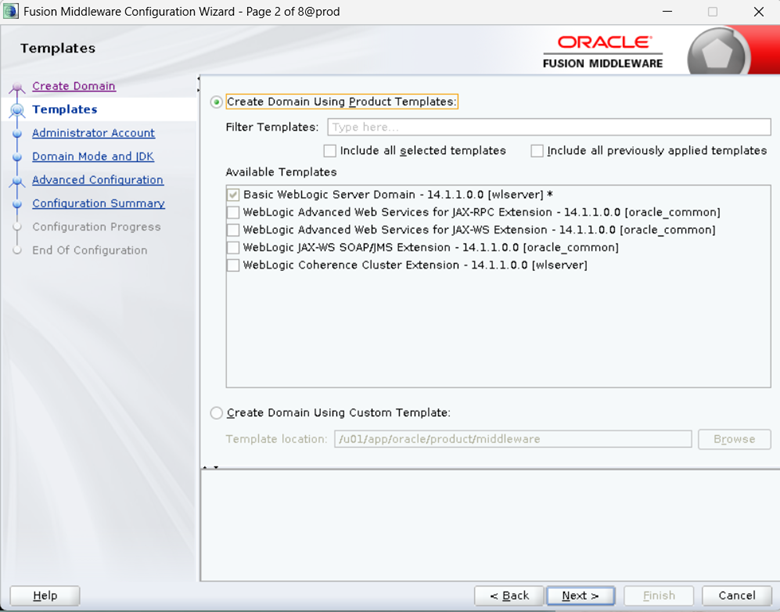
By default, installer selects “Basic WebLogic Server Domain – 14.1.1.1.0 [wlserver]*, click on Next
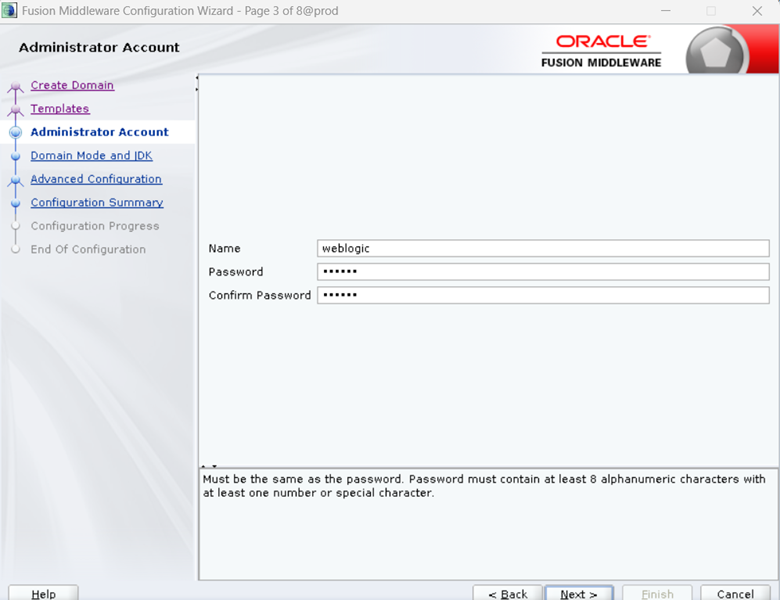
Provide the password for the weblogic user and click on Next
The password must be at least 8 alphanumeric characters with at least one number or special character.
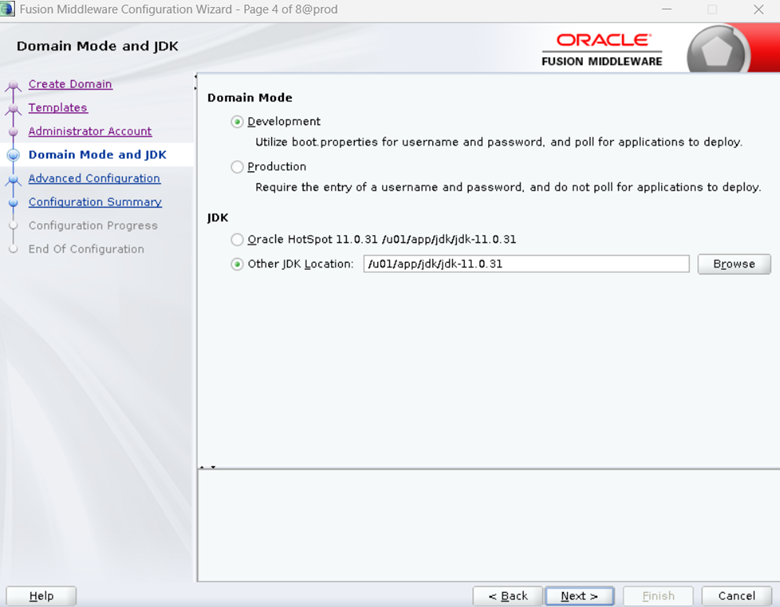
Select “Development” in Domain Mode, select JDK path “Other JDK Location and click on Next
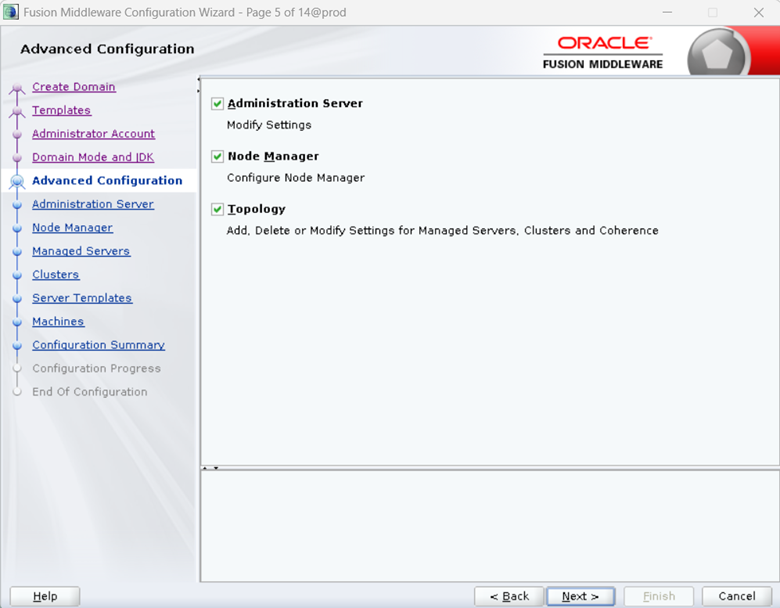
Select Administrator Server, Node Manager, Topology and click on Next
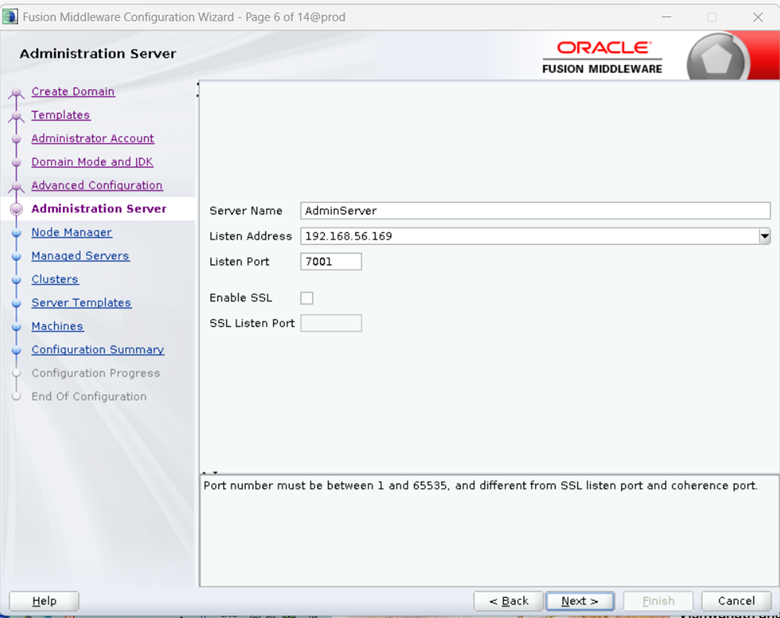
Provide Server Name, select Local Machine IP address and Listen Port, Click on Next
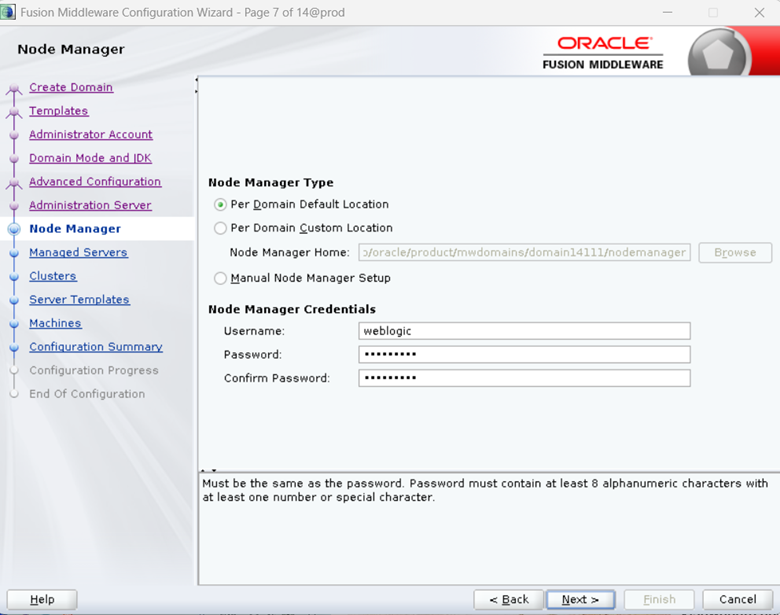
Select “Per Domain Default Location”, provide the Node Manager Credentials.
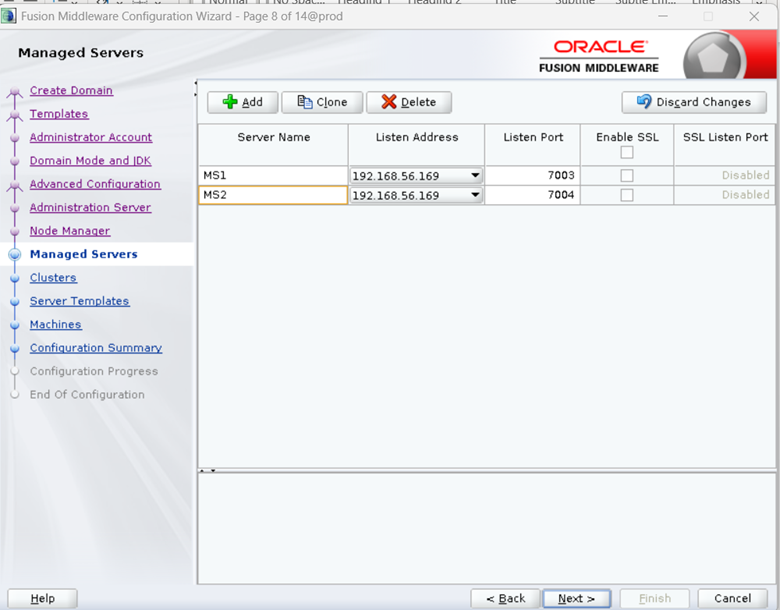
Click on Add, Provide the Managed Server Name (MS1, MS2), select host IP in Listen Address, select Listen Port in Listen port (make sure to give different port number for each managed servers). Click on Next.
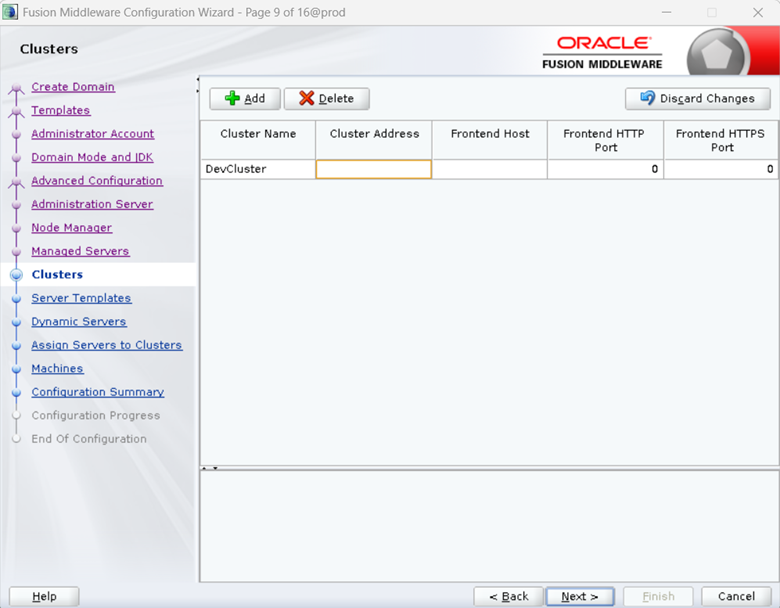
Click on Add, Provide Cluster Name (DevCluster). Click on Next.
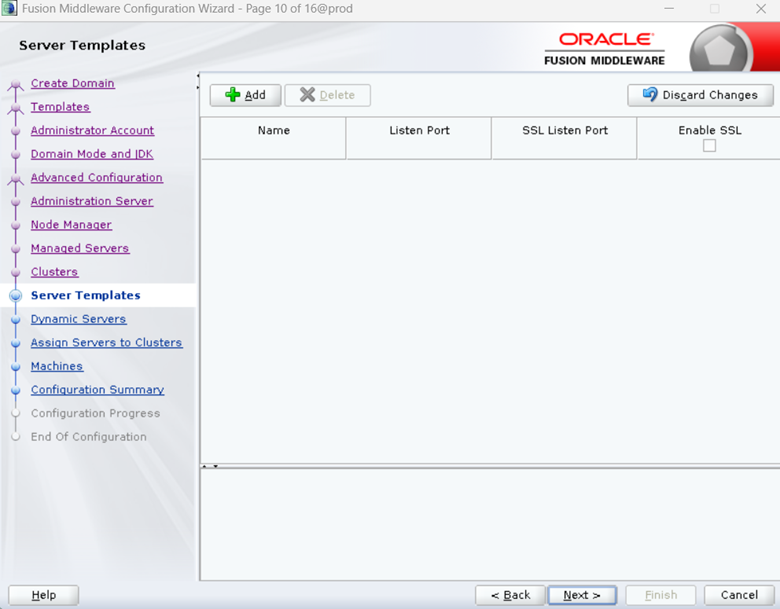
Click n Next
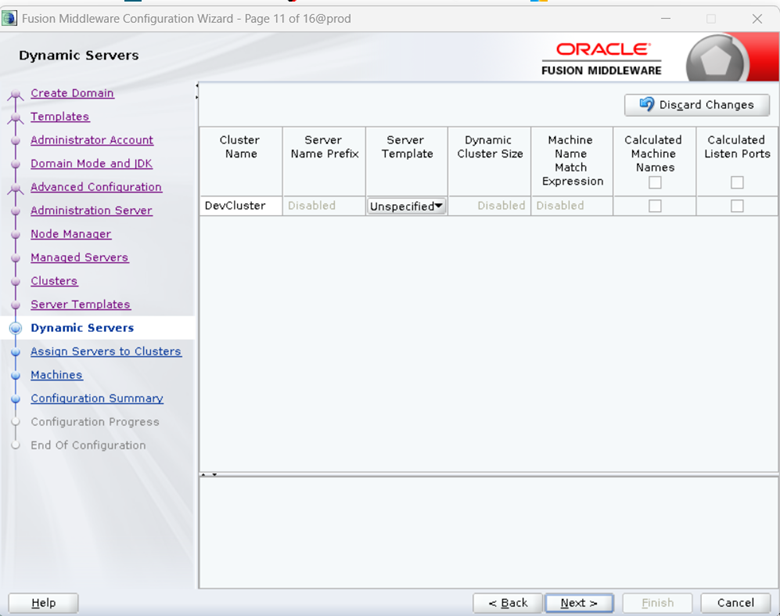
Click on Next
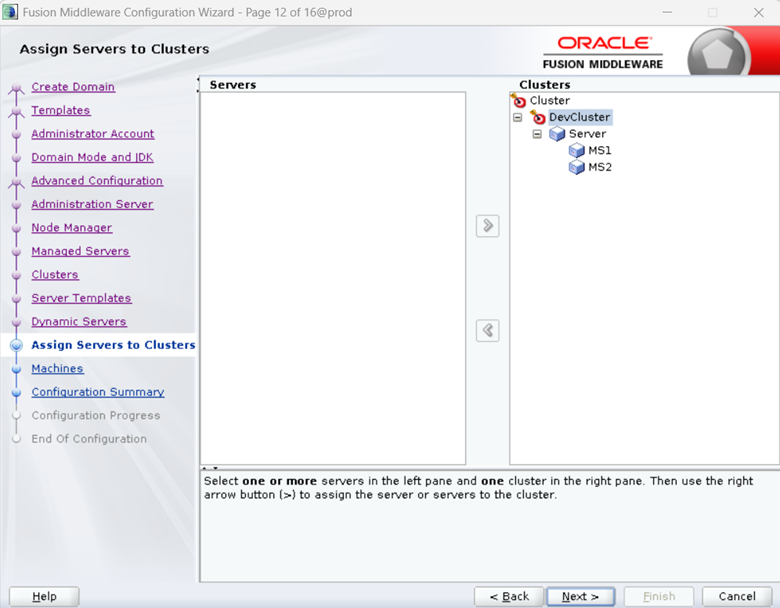
Add the managed servers from Servers pane to Cluster pane. Click on Next.
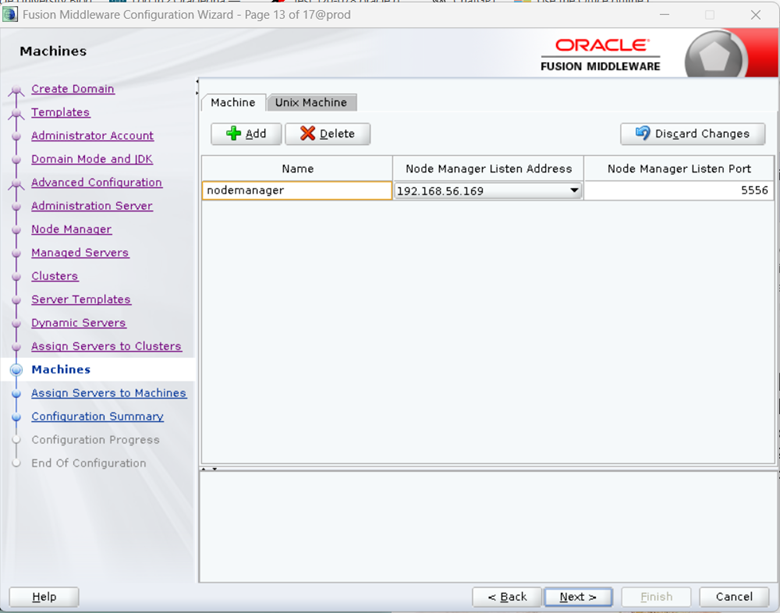
Click on Add, provide name for node manager and host IP and port.
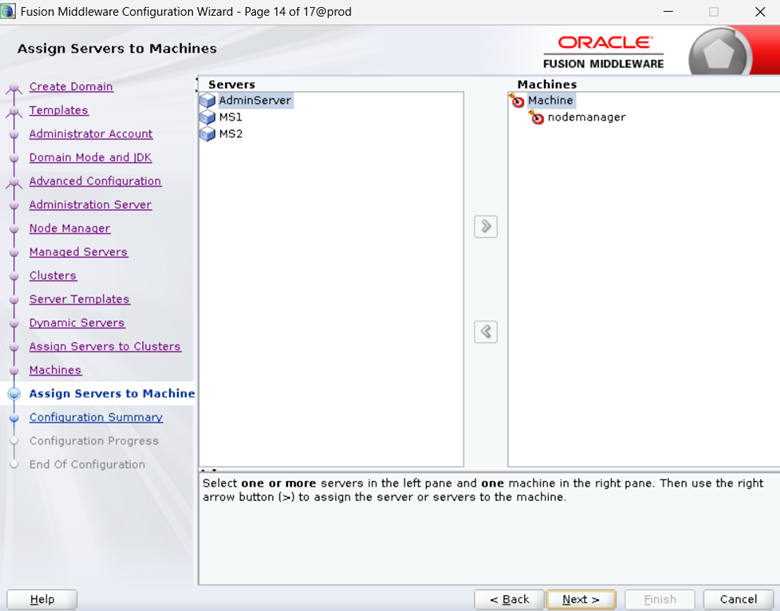
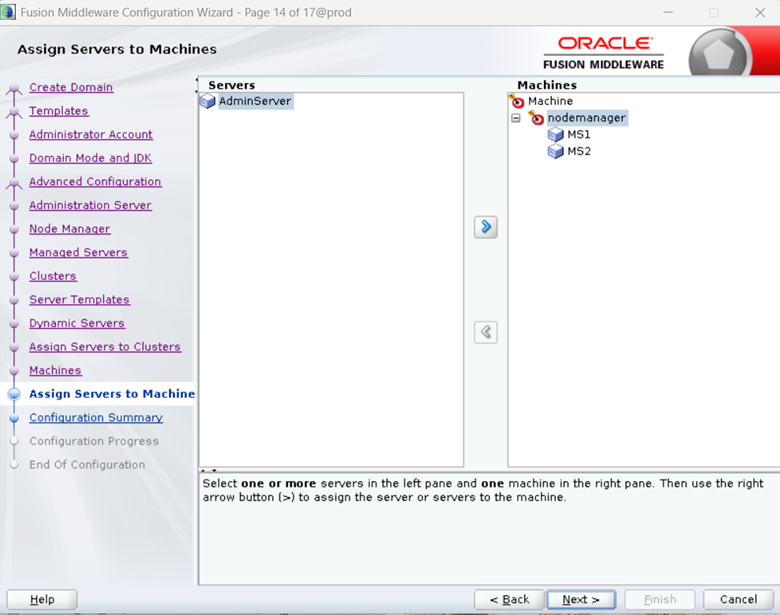
Assign the managed servers to node manager
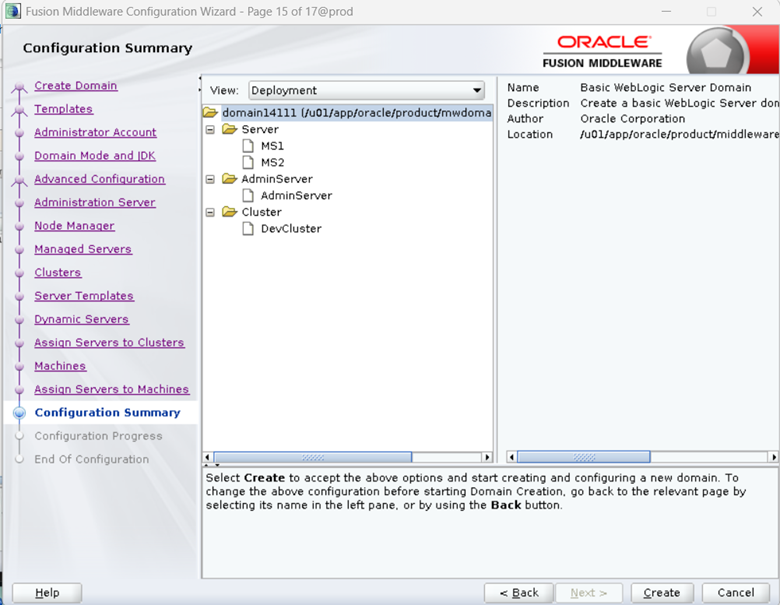
Verify the configuration and click on Create.
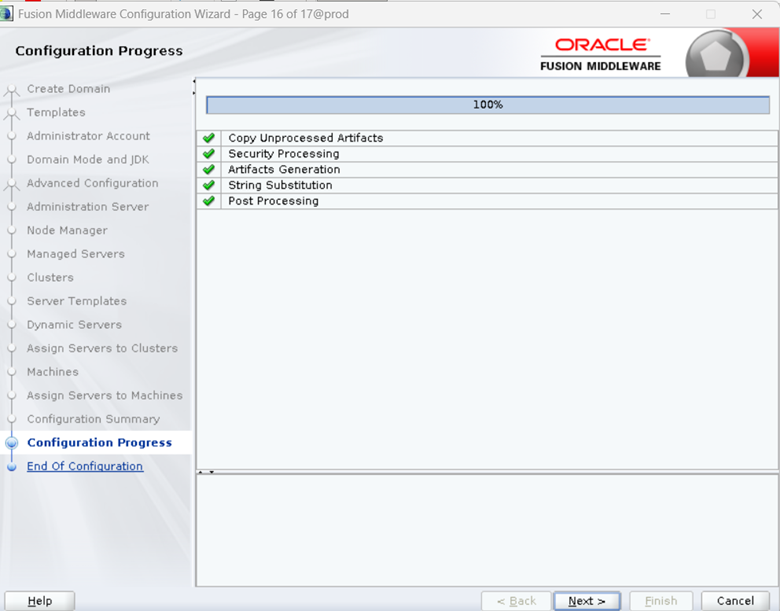
Make a note of Domain Location and Admin Server URL. Click on Finish.
Domain Location: /u01/app/oracle/product/mwdomains/domain14111
Admin Server URL: http://192.168.56.169:7001/console
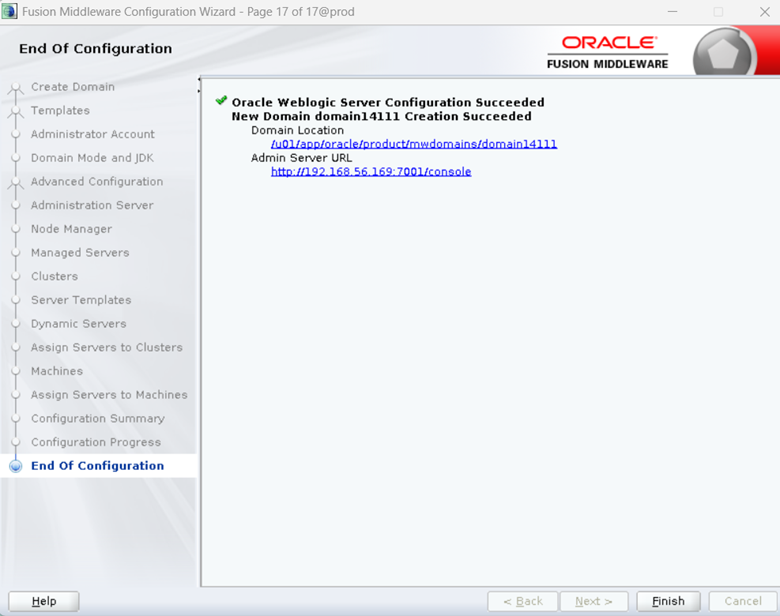
WebLogic domain with managed servers and node manager have been created successfully.