oracledna
This post demonstrates install Oracle WebLogic 14c (14.1.1.0.0) on Oracle Linux 9.
Environment:
============
OS : Oracle Linux 9.4
WebLogic: 14c (14.1.1.0.0)
1. Perform the below pre reqsuisites as root user.
1.a Add below entries in /etc/security/limits.conf
oracle soft nofile 4096
oracle hard nofile 65536
oracle soft nproc 2047
oracle hard nproc 16384
oracle soft stack 10240
1.b Install the below required RPMS
binutils-2.35.2-17.0.1. el9
gcc-11.2.1-9.4.0.2.el9
gcc-c+ +-11.2.1-9.4.0.2.el9
glibc-2.34-28.0.1.el9_0 .2.x86_64
glibcdevel-2.34-28.0.1.el9_0 .2.x86_64
ksh libaio-0.3.111-13.el9.x 86_64
libcap-2.48-8.el9.x86_6 4
libgcc-11.2.1-9.4.0.2.e l9.x86_64
libnsl-2.34-28.0.1.el9_ 0.2.x86_64
libstdc+ +-11.2.1-9.4.0.2.el9.x8 6_64
libstdc++devel-11.2.1-9.4.0.2.el 9.x86_64
make-4.3-7.el9.x86_64
motif-2.3.4-25.el9.x86_ 64
motifdevel-2.3.4-25.el9.x86_ 64
openssl-3.0.1-41.0.1.el 9_0.x86_64
sysstat-12.5.4-3.el9.x8 6_64
Refer below document for more details.
https://docs.oracle.com/en/middleware/standalone/weblogic-server/14.1.1.0/sysrs/system-requirements-and-specifications-oracle-weblogic-server-and-coherence.pdf
2. Create a new group and user for WebLogic installation.
Run below command as root user.
groupadd -g 54321 oinstall
useradd -u 54322 -g oinstall oracle
passwd oracle
3. Create directories for the middleware home as root user.
mkdir -p /u01/app/oracle/product/middleware
chown -R oracle:oinstall /u01
chmod -R 775 /u01/
4. Install certified Java Development Kit (JDK).
To execute installers for version 14.1.1.0.0, it is required that a certified JDK is already installed on system.
The supported JDK versins are 1.8.0_251+ and 11.0.6+.
For certification matrix, refer https://www.oracle.com/middleware/technologies/fusion-certification.html
Download the JDK from https://www.oracle.com/in/java/technologies/javase/jdk11-archive-downloads.html
[oracle@prod ~]$ mkdir -p /u01/app/jdk
[oracle@prod ~]$ cd /u01/app/jdk
[oracle@prod jdk]$ tar -xzvf jdk-11.0.31_linux-x64_bin.tar.gz
[oracle@prod jdk]$ ls -lrt
total 165944
-rw-r–r–. 1 oracle oinstall 169919215 Aug 8 21:49 jdk-11.0.31_linux-x64_bin.tar.gz
drwxr-xr-x. 9 oracle oinstall 4096 Aug 8 21:51 jdk-11.0.31
5. Unzip the WebLogic software.
[oracle@prod ~]$ cd /miss/oracle/softwares
[oracle@prod softwares]$ unzip V994956-01.zip
[oracle@prod softwares]$ ls -lrt
total 1819092
-rwxr-xr-x. 1 oracle oinstall 931478708 Mar 29 2020 fmw_14.1.1.0.0_wls.jar
-rw-r–r–. 1 oracle oinstall 931258986 Aug 8 21:35 V994956-01.zip
6. Install the WebLogic software.
[oracle@prod ~]$ cd /miss/oracle/softwares
[oracle@prod softwares]$ export JAVA_HOME=/u01/app/jdk/jdk-11.0.31
[oracle@prod softwares]$ export PATH=$JAVA_HOME/bin:$PATH
[oracle@prod softwares]$ which java
/u01/app/jdk/jdk-11.0.31/bin/java
[oracle@prod softwares]$ java -jar fmw_14.1.1.0.0_wls.jar
Launcher log file is /tmp/OraInstall2026-08-08_10-21-56PM/launcher2026-08-08_10-21-56PM.log.
Extracting the installer . . . . . . . . . . . Done
Checking if CPU speed is above 300 MHz. Actual 2304.000 MHz Passed
Checking monitor: must be configured to display at least 256 colors. Actual 16777216 Passed
Checking swap space: must be greater than 512 MB. Actual 8191 MB Passed
Checking temp space: must be greater than 300 MB. Actual 1917 MB Passed
Preparing to launch the Oracle Universal Installer from /tmp/OraInstall2026-08-08_10-21-56PM
Log: /tmp/OraInstall2026-08-08_10-21-56PM/install2026-08-08_10-21-56PM.log
Logs successfully copied to /u01/app/oraInventory/logs.
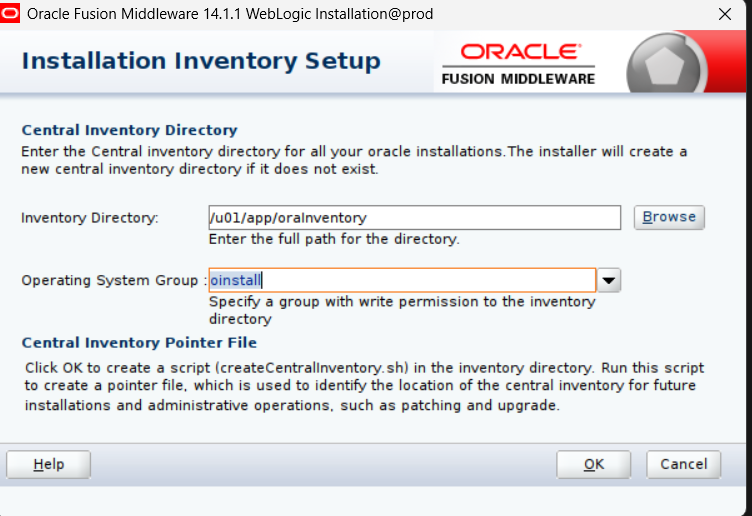
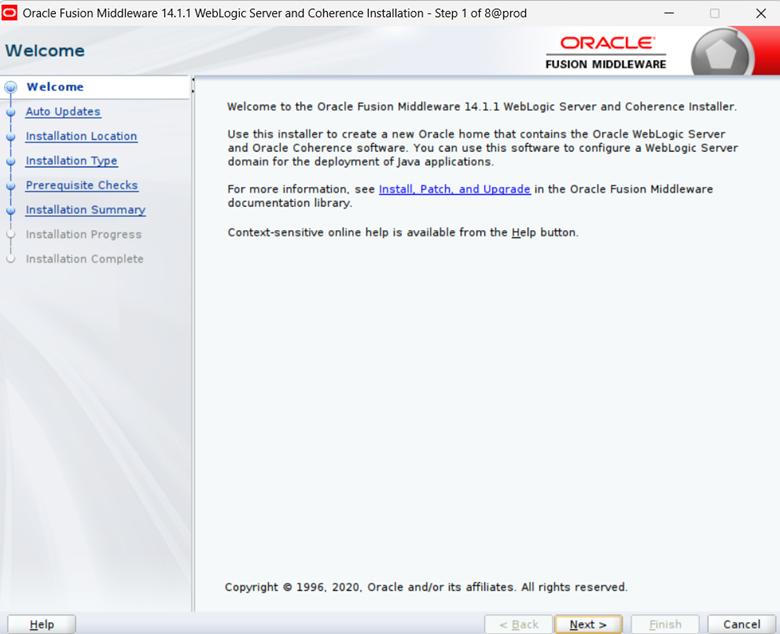
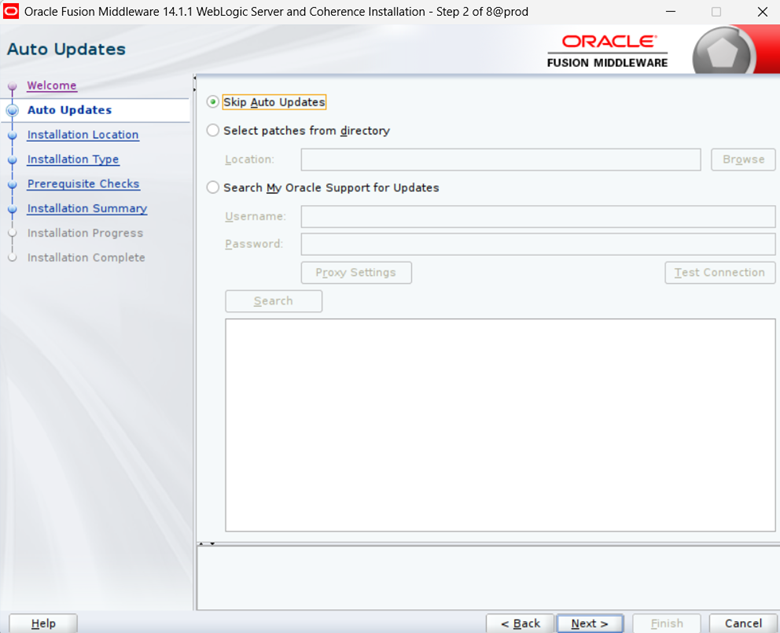
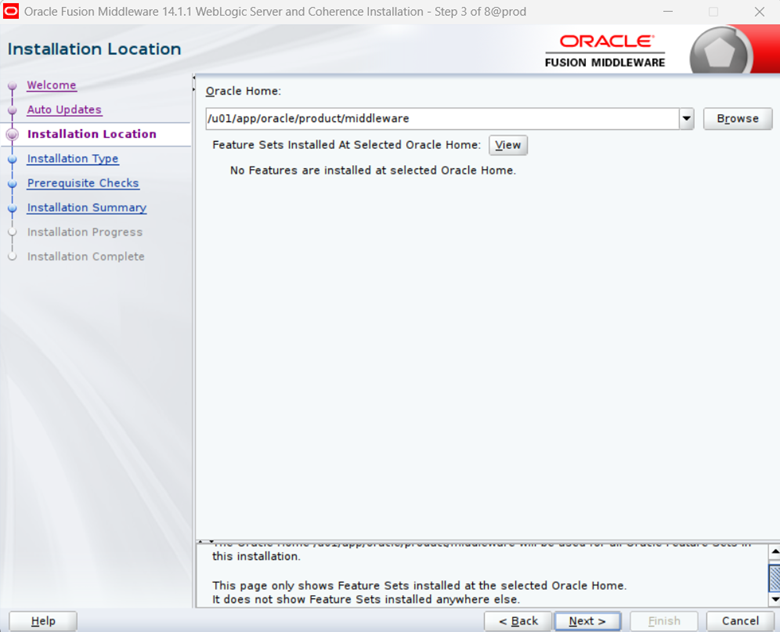
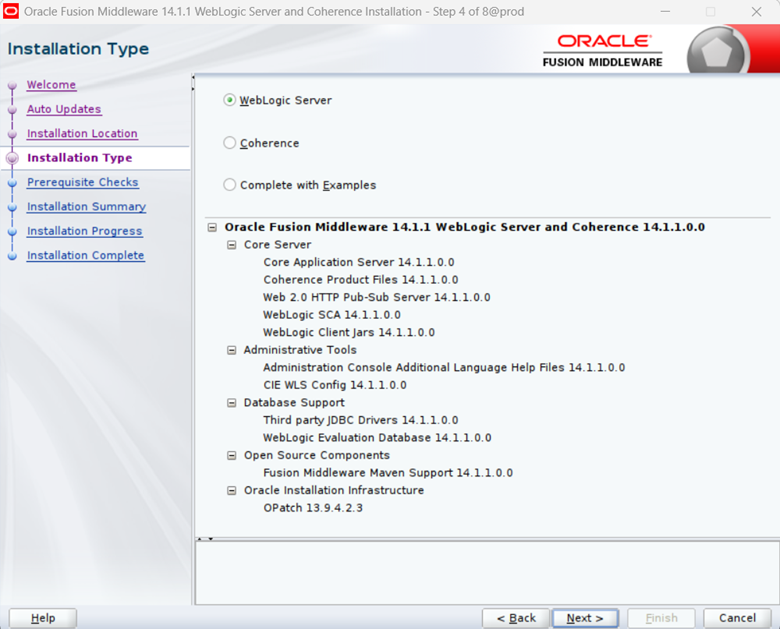
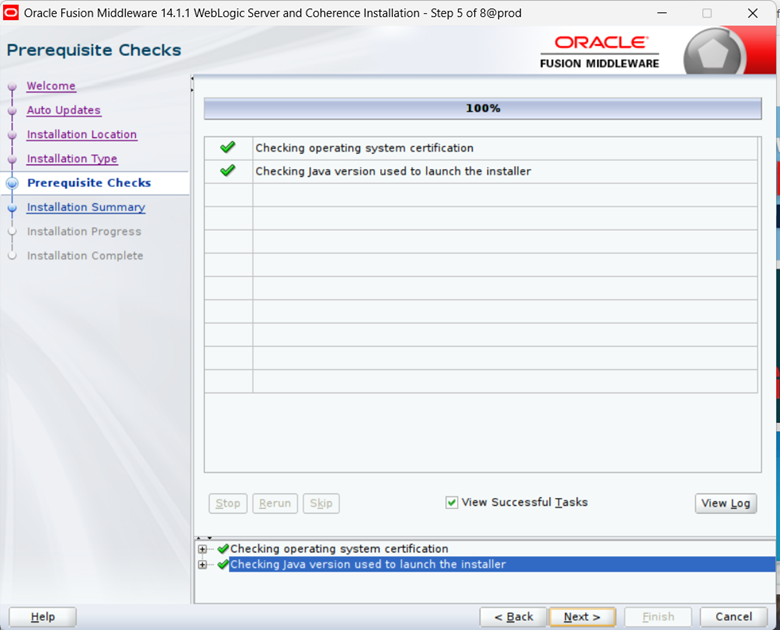
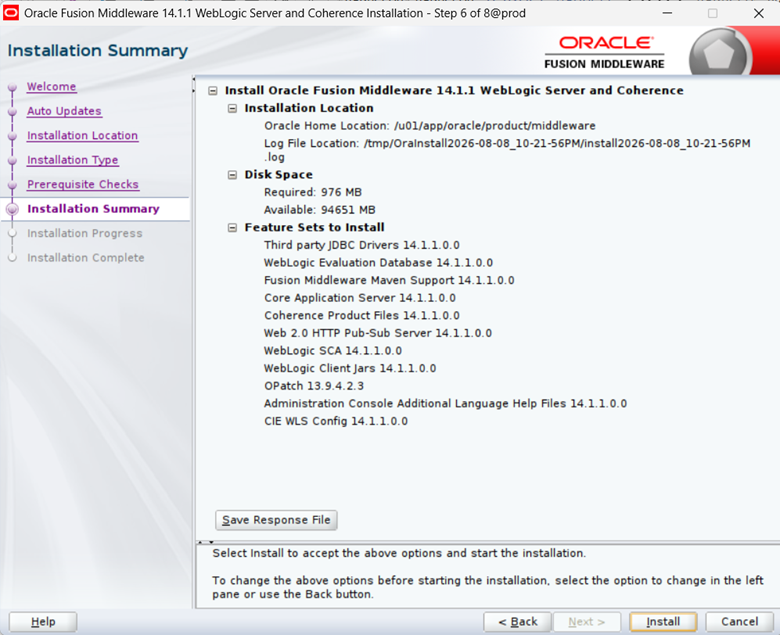
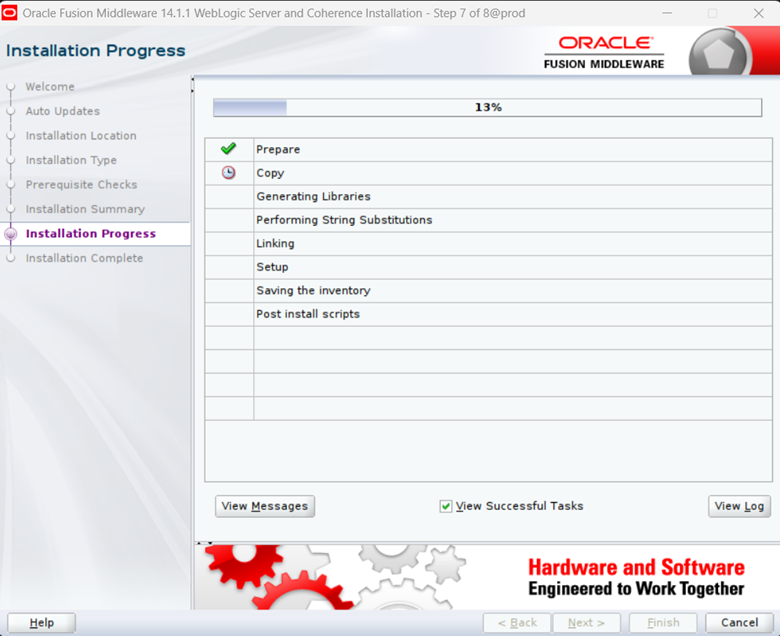
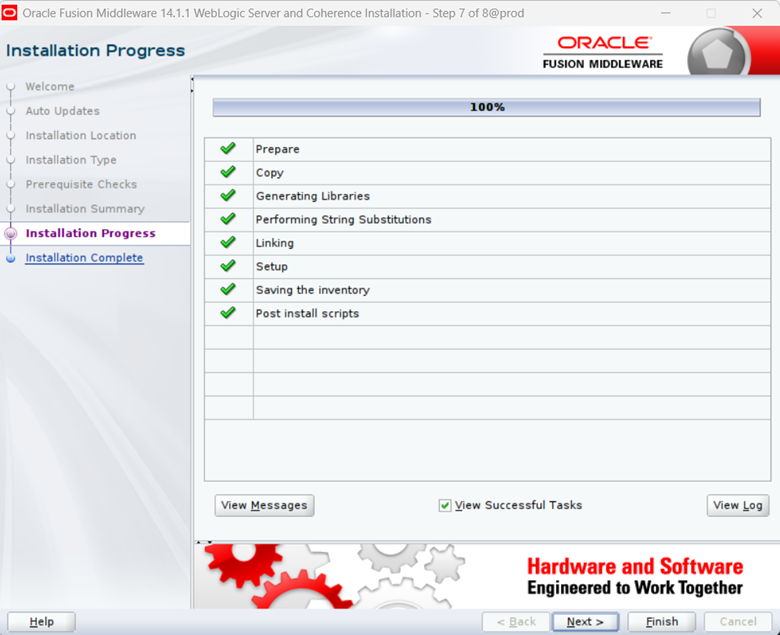
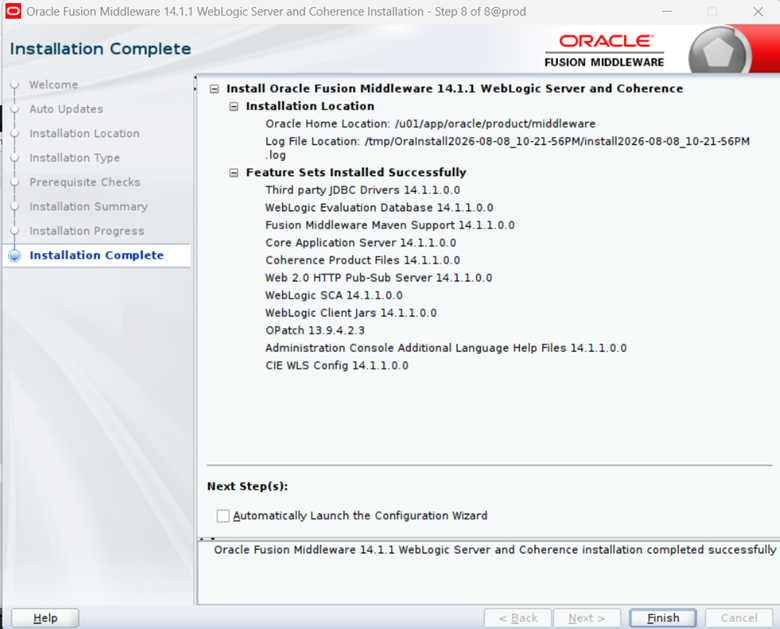
Check the inventory.xml for the entry of WebLogic Home.
[oracle@prod softwares]$ cd /u01/app/oraInventory/ContentsXML/
[oracle@prod ContentsXML]$ cat inventory.xml
<?xml version = ‘1.0’ encoding = ‘UTF-8’ standalone = ‘yes’?>
<!– Copyright (c) 1999, 2026, Oracle. All rights reserved. –>
<!– Do not modify the contents of this file by hand. –><INVENTORY>
<VERSION_INFO>
<SAVED_WITH>13.9.4.0.0</SAVED_WITH>
<MINIMUM_VER>2.1.0.6.0</MINIMUM_VER>
</VERSION_INFO>
<HOME_LIST>
<HOME NAME=”OracleHome1″ LOC=”/u01/app/oracle/product/middleware” TYPE=”O” IDX=”1″/>
</HOME_LIST>
<COMPOSITEHOME_LIST/>
</INVENTORY>[oracle@prod ContentsXML]$
Disclaimer:
Please note the above information is only for educational purpose and practised in personal test database only. Always test in test database before implementing in production database. The pre-requisites and ways of implementing may vary from one environment to another. Hence, not providing guarantee that it will work in your environment.